
 한국어
한국어Free SAT diagnostic test
A 56-minute Digital SAT diagnostic from Solo Prep: 20 Reading and Writing and 20 Math questions. It is scored the moment you submit, with an estimated score range, accuracy by domain and an explanation for every question.
- Questions
- 40
- Time
- 56 min
- Level
- Medium–hard
- Cost
- Free
Sign in with Google and start right away.
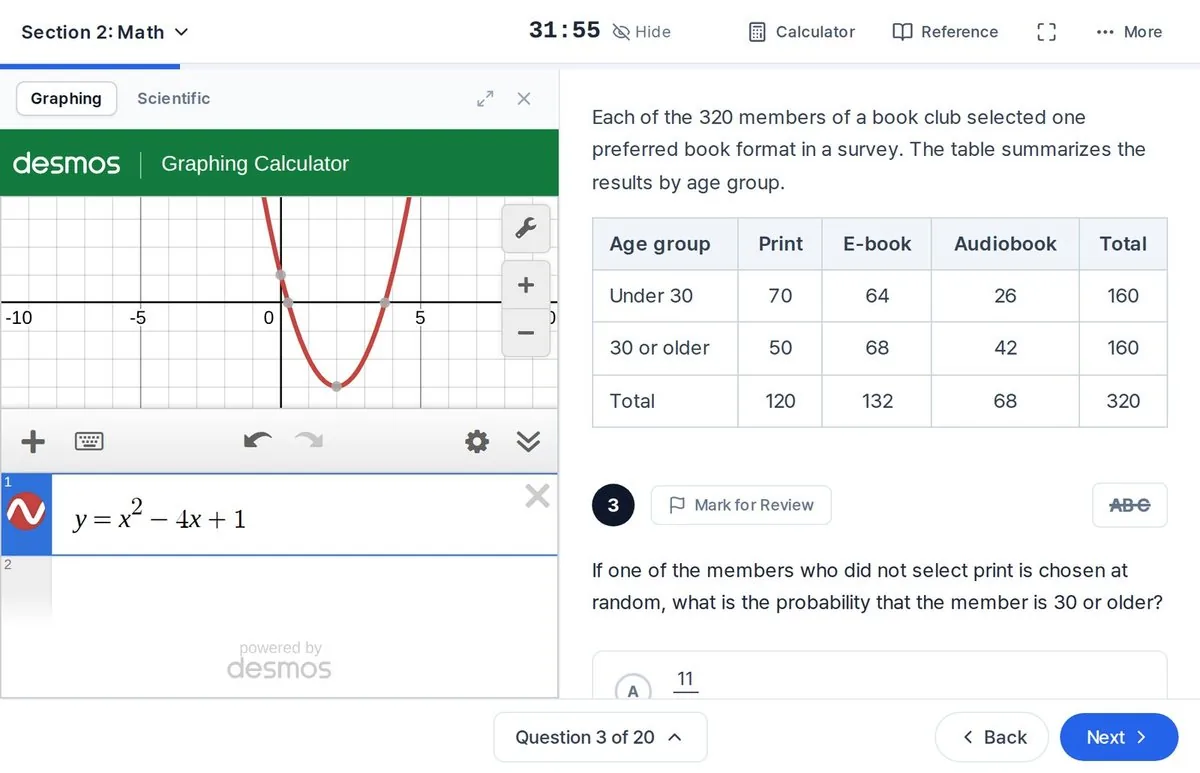
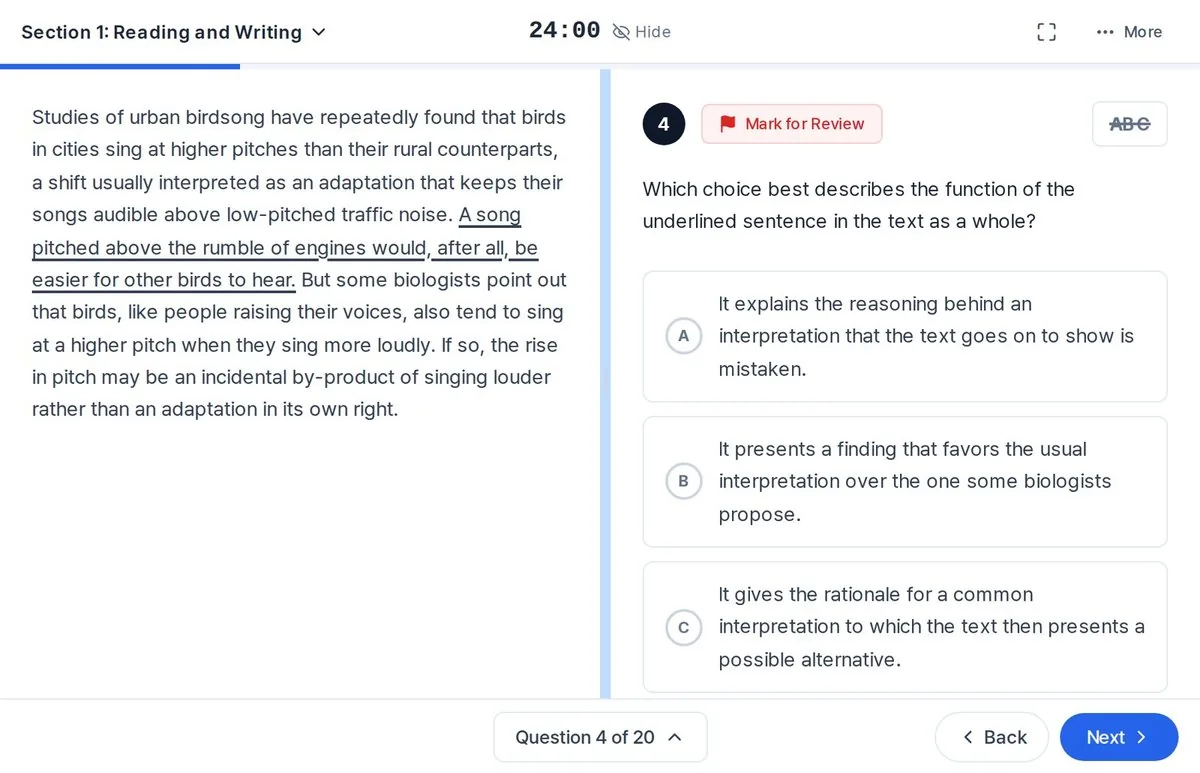
Section 1Reading and Writing20 questions, 24 min
Section 2Math20 questions, 32 min
What is on the test
| Order | Section | Questions | Time | What it covers |
|---|---|---|---|---|
| 1 | Reading and Writing | 20 | 24 min | Words in context, text structure and purpose, evidence, inferences, grammar, transitions, rhetorical synthesis |
| 2 | Math | 20 | 32 min | Algebra, Advanced Math, Problem-Solving and Data Analysis, Geometry and Trigonometry. 15 multiple choice, 5 student-produced response |
There are no easy questions. Every question is at medium or hard level, the range where scores separate, so the results show which question types are holding you back.
Time per question matches the real Digital SAT: about 72 seconds per Reading and Writing question and about 96 seconds per Math question.
How it works
- Sign in with Google.The first time, enter the student name and grade once. They appear on your result.
- Answer 20 Reading and Writing questions.24 minutes. The test moves on automatically when time runs out.
- Answer 20 Math questions.32 minutes, with the built-in Desmos calculator.
- Get your result the moment you submit.Estimated score range, accuracy by domain and an explanation for every question.
Before you start
- Use a computer or tablet if you can. A phone works, but the screen is small for reading passages.
- The test screen is laid out like the real Digital SAT, with a timer, Mark for Review, answer eliminator and highlighter.
- Once a section starts, the timer does not stop. There is a 10-minute break between the two sections.
- If you close the window, you can pick up where you left off in the same browser on the same device. The timer keeps running.
- In Math, the Calculator button opens the Desmos calculator used on the real test, and the Reference button opens the formula sheet.
- Have scratch paper and a pencil ready.
Start the test
Sign in with a Google account to take the test. If you are new, signing in creates your free Solo Prep account. Enter the student name and grade, and the test begins.
Checking your sign-in.